
Required equipment
Offline navigation and mobile connectivity: prepare a backup
Make maps, bookings and assistance details available without a signal, and check roaming before borders and ferry crossings.
- Topic
- Required equipment
- Published
- Last reviewed
- 18 September 2026
- Official source
- Open source ↗
A working phone is useful on a road trip, but mobile data should not be the only way to find the hotel or call for help. Prepare navigation, documents and power as separate parts of the travel kit.
Download and test
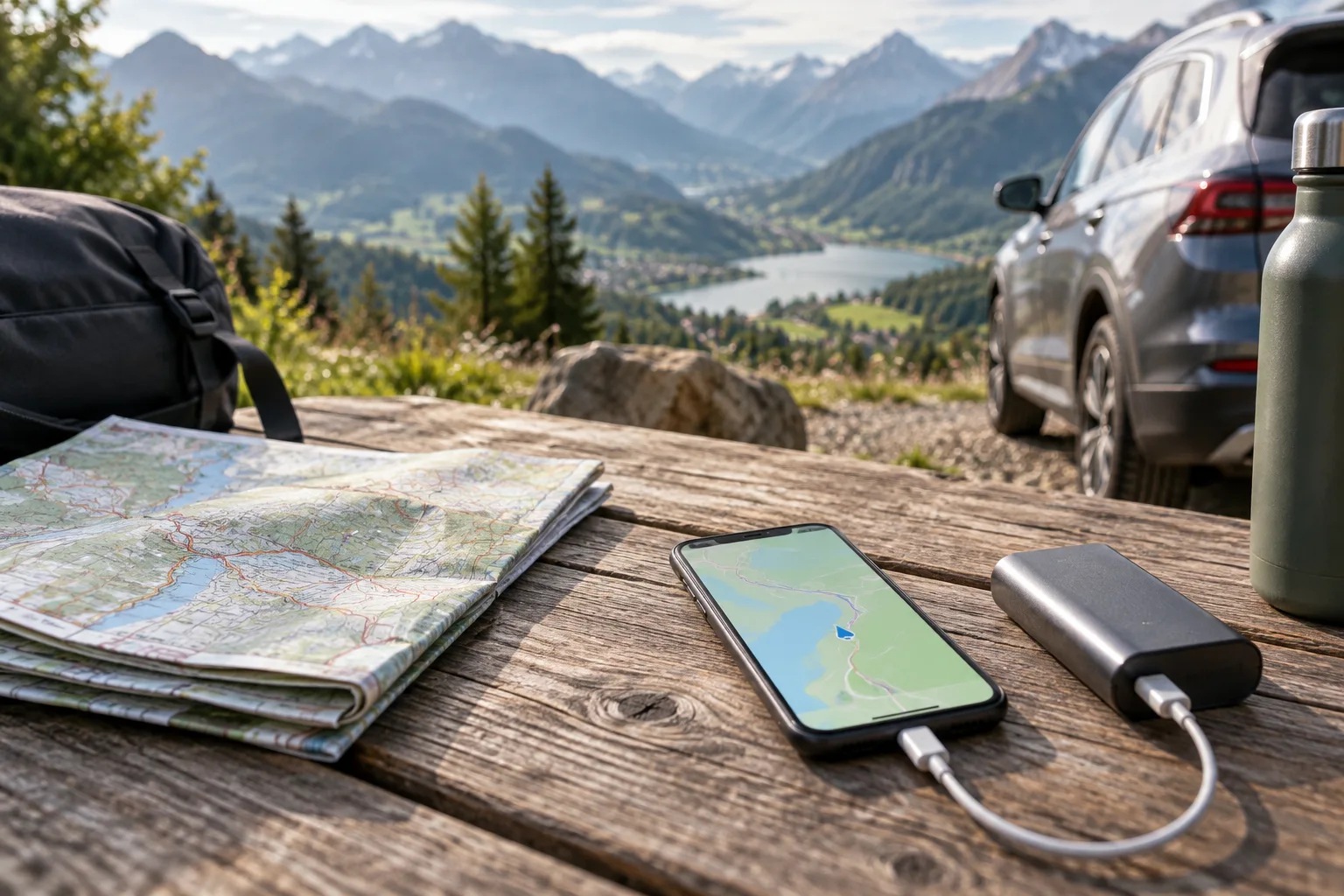
In a navigation app that supports offline maps, download the entire route area and likely detours over Wi-Fi. Check storage space and updates before leaving. Test the downloaded map and destination search without mobile data while safely parked. Features such as live traffic, fresh closures or online place search may not work offline; verify what your particular app supports.
Do not assume that a route previously viewed on screen has been saved. Record key addresses, terminal entrances and assistance numbers in a separate offline note. A compact paper overview can help when the phone is unavailable.
Check roaming country by country
Read your operator's allowance, fair-use conditions and out-of-bundle prices for every destination. Do not treat “Europe” as one mobile tariff: a plan's coverage is contractual, and neighbouring countries may be priced differently.
The European Commission explains that EU roaming protections concern terrestrial mobile networks. A ship or aircraft can connect a phone to a satellite-based network outside those rules. Before a ferry crossing, check the carrier and mobile operator's guidance; airplane mode with Wi-Fi enabled separately can help avoid an unintended mobile connection when appropriate.
Plan for power and heat
Use a reliable charger and cable, and keep a tested power bank accessible. Mount the device securely without obstructing the driver's view. Follow its temperature guidance and do not leave it baking in direct sun. Keep a second copy of essential information with a travel companion where possible.
Keep navigation subordinate to the road
Set the destination before moving. Stop legally before changing a route or troubleshooting a device. Signs, barriers and police instructions take priority over an app. If navigation fails, head to a safe stopping place and review the next stage rather than making a sudden manoeuvre.
Sources and further reading
European Commission — roaming questions and answers
https://digital-strategy.ec.europa.eu/en/faqs/roaming-questions-answers
European Union — roaming costs
https://europa.eu/youreurope/citizens/consumers/internet-telecoms/mobile-roaming-costs/index_en.htm
Download and test
In a navigation app that supports offline maps, download the entire route area and likely detours over Wi-Fi. Check storage space and updates before leaving. Test the downloaded map and destination search without mobile data while safely parked. Features such as live traffic, fresh closures or online place search may not work offline; verify what your particular app supports.
Do not assume that a route previously viewed on screen has been saved. Record key addresses, terminal entrances and assistance numbers in a separate offline note. A compact paper overview can help when the phone is unavailable.
Check roaming country by country
Read your operator's allowance, fair-use conditions and out-of-bundle prices for every destination. Do not treat “Europe” as one mobile tariff: a plan's coverage is contractual, and neighbouring countries may be priced differently.
The European Commission explains that EU roaming protections concern terrestrial mobile networks. A ship or aircraft can connect a phone to a satellite-based network outside those rules. Before a ferry crossing, check the carrier and mobile operator's guidance; airplane mode with Wi-Fi enabled separately can help avoid an unintended mobile connection when appropriate.
Plan for power and heat
Use a reliable charger and cable, and keep a tested power bank accessible. Mount the device securely without obstructing the driver's view. Follow its temperature guidance and do not leave it baking in direct sun. Keep a second copy of essential information with a travel companion where possible.
Keep navigation subordinate to the road
Set the destination before moving. Stop legally before changing a route or troubleshooting a device. Signs, barriers and police instructions take priority over an app. If navigation fails, head to a safe stopping place and review the next stage rather than making a sudden manoeuvre.
Sources and further reading
European Commission — roaming questions and answers
https://digital-strategy.ec.europa.eu/en/faqs/roaming-questions-answers
European Union — roaming costs
https://europa.eu/youreurope/citizens/consumers/internet-telecoms/mobile-roaming-costs/index_en.htm